Omni Channel Federation
Login
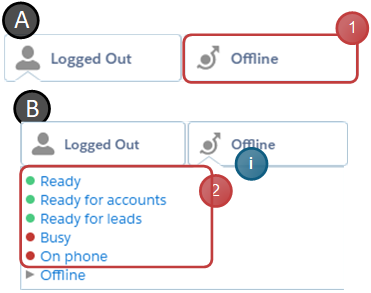
- Click the omni channel icon
- Select a state different from the offline-state
info
Omni-Channel uses the Salesforce credentials to login, the Agent therefore does not have to provide extra information
Change working state
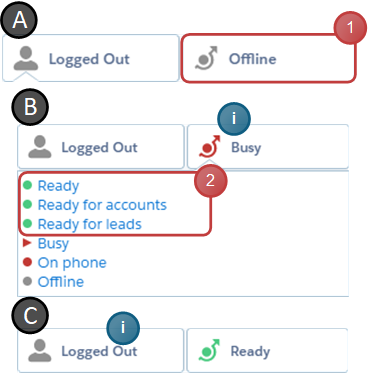
- Click the omni channel icon
- Select the desired working state
info
The selected state color will be displayed in the channel icon
Logout
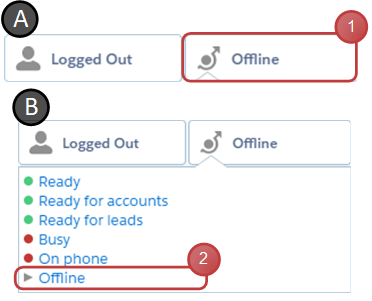
- Click the omni channel icon
- Select the «Offline» state
Accept work item
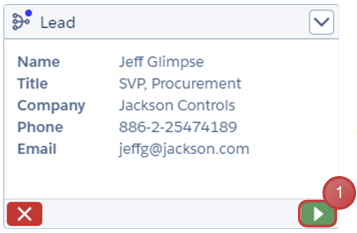
- Click the button to start the offered work item
Optional: Allow agents to reject work item
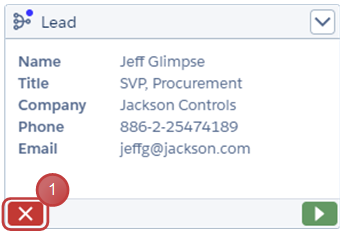
- Click the button to reject the offered work item
Optional: Open the work in progress
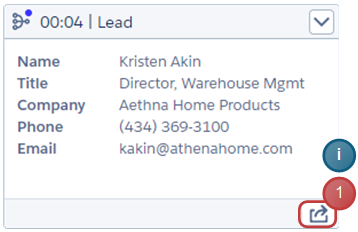
- Click the button to focus on the tab of the work item
info
This option is available when the Hide Omni-Channel work item is set to false after accepting and the agent is in Classic Console view